PNG to JPG Converter
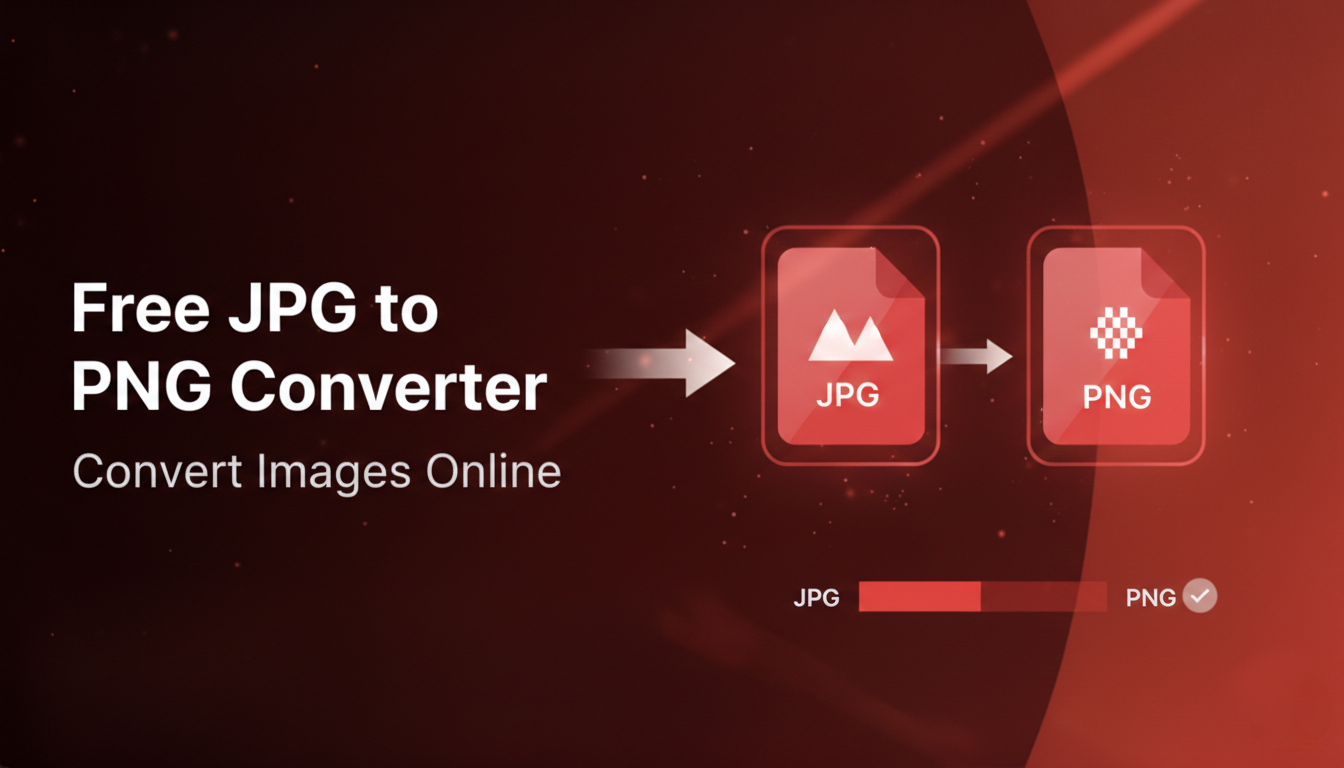
Convert PNG images to JPG format with quality control. Supports batch processing.
Upload PNG Images
Drag & drop or click to browse (Max 20 files)
How to Convert PNG to JPG Without Losing Quality
Upload: Drag and drop your PNG files into the box above or click to browse your device. You can upload up to 20 images at once.
Adjust Quality: Use the Quality Slider to set your preferred output. We recommend 90% for the perfect balance between file size and image clarity.
Convert: Click the “Convert to JPG” button. Our tool processes the images locally in your browser using your device’s power.
Download: Save your images individually or click “Download as ZIP” to get all your converted files in one organized folder.
Why Convert PNG to JPG?
While PNG files are great for transparency and high detail, they are often significantly larger than JPGs. Converting to JPG is ideal for:
- Website Speed: JPGs load faster, improving your SEO and user experience.
- Storage Space: Reduce file size by up to 80% without noticeable quality loss.
- Compatibility: JPG is the universal standard for social media, email, and professional documentation.
Total Privacy: Your Images Never Leave Your Device
Unlike other online converters that upload your data to their servers, Image Sector uses “Client-Side Technology.” The conversion happens inside your browser’s memory. Your private photos are never seen by us or stored on any server, making this the most secure way to convert images online.