
Table of Contents
What Is Image Compression? A Beginner’s Complete Guide
Images make websites more engaging, visually appealing, and easier to understand. However, large image files can slow down your website, increase loading time, and negatively affect user experience. This is where image compression becomes essential.
In this complete beginner’s guide, you will learn what image compression is, how it works, the different types of compression, and why it is crucial for websites, blogs, and online businesses.
What Is Image Compression?
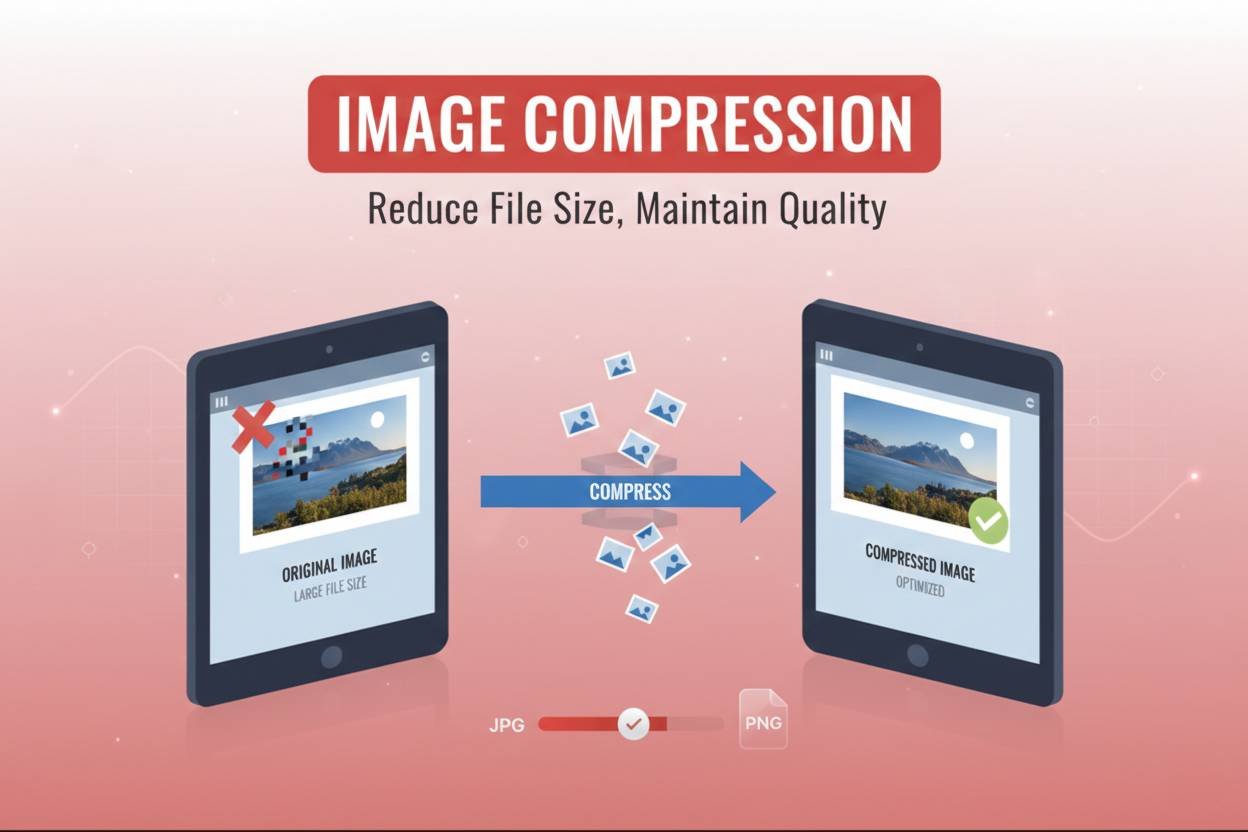
Image compression is the process of reducing the file size of an image without significantly affecting its visual quality.
When you take a photo or create a graphic, the image contains a large amount of data. This data includes:
- Color information
- Pixel details
- Metadata
- Resolution information
Image compression removes unnecessary or redundant data to make the file smaller. A smaller file size means:
- Faster loading speed
- Less storage usage
- Lower bandwidth consumption
This is especially important for websites and online platforms.
Why Is Image Compression Important?
If you upload large images directly to your website, several problems can occur:
1. Slower Website Speed
Large images increase page load time. A slow website leads to:
- Poor user experience
- Higher bounce rates
- Lower engagement
Visitors often leave a website if it takes more than a few seconds to load.
2. Better SEO Rankings
Search engines prefer fast websites. Page speed is a ranking factor.
If your images are not optimized:
- Your website speed decreases
- Search engines may rank competitors higher
Compressed images help improve loading performance and SEO.
3. Reduced Storage and Bandwidth
If you run a blog or an eCommerce store, you upload many images regularly. Large images:
- Use more server storage
- Increase hosting costs
- Consume more bandwidth
Compressed images save space and reduce server load.
How Does Image Compression Work?
Image compression works by reducing the amount of data needed to represent an image.
There are two main ways this is done:
- Removing unnecessary data
- Simplifying complex color patterns
Some compression methods remove data permanently, while others keep all the original information but reorganize it more efficiently.
This leads us to the two main types of image compression.
Types of Image Compression
There are two primary types:
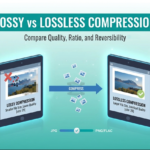
1. Lossy Compression
Lossy compression reduces file size by permanently removing some image data.
It works by:
- Eliminating subtle color variations
- Reducing detail that the human eye may not easily notice
- Compressing similar pixel information
The result is a much smaller file size.
However, because data is removed permanently, some quality loss may occur.
Common formats that use lossy compression:
- JPG (JPEG)
- WebP (lossy mode)
Best used for:
- Website images
- Blog graphics
- Social media images
2. Lossless Compression
Lossless compression reduces file size without removing any image data.
It works by:
- Reorganizing data efficiently
- Removing metadata
- Compressing repeating pixel patterns
When decompressed, the image returns to its original quality.
Common formats that use lossless compression:
- PNG
- GIF
- WebP (lossless mode)
Best used for:
- Logos
- Icons
- Graphics with sharp edges
- Transparent backgrounds
Lossy vs Lossless: Which Should You Use?
It depends on your goal.
If you need:
- Maximum quality
- Transparency support
- Detailed graphics
Choose lossless compression.
If you need:
- Smaller file size
- Faster loading
- Website optimization
Choose lossy compression.
For most websites, lossy compression with high-quality settings offers the best balance between quality and performance.
Does Image Compression Reduce Quality?
This is a common question.
The answer depends on the compression type and level used.
With proper optimization:
- Quality loss is often barely noticeable
- File size can be reduced by 50–80%
Modern compression tools allow you to adjust quality levels, so you can maintain visual clarity while reducing file size significantly.
If done correctly, most users will not notice any visible difference.
How Much Can Image Compression Reduce File Size?
The reduction depends on:
- Original image size
- Format (PNG, JPG, WebP)
- Compression method
- Quality settings
Typical reductions:
- JPG: 40–80% smaller
- PNG: 20–60% smaller
- WebP: 30–85% smaller
The more detailed the image, the more optimization potential it usually has.
Best Practices for Image Compression
To get the best results, follow these practical guidelines:
1. Resize Before Compressing
Do not upload a 4000px image if your website only displays it at 800px.
Resize the image first, then compress it.
2. Choose the Right Format
- Use JPG for photos
- Use PNG for transparent images
- Use WebP for modern web optimization
3. Avoid Over-Compression
Too much compression can cause:
- Blurry images
- Pixelation
- Artifacts
Always preview before uploading.
4. Use an Online Image Compressor
The easiest way to reduce image size is by using an online image compressor. It allows you to:
- Upload instantly
- Compress in seconds
- Download optimized image
This saves time and ensures proper optimization.
Image Compression and Website Performance
Images often make up 50% or more of a webpage’s total size.
If images are not compressed:
- Page load time increases
- Server response slows
- User experience declines
Optimized images:
- Improve Core Web Vitals
- Reduce Time to First Byte (TTFB)
- Improve Largest Contentful Paint (LCP)
In simple terms, compressed images make your website faster and more efficient.
Image Compression for WordPress Users
If you run a WordPress website, image optimization is even more critical.
Many WordPress themes and page builders add additional scripts and styles. Large images can make pages even heavier.
To optimize images in WordPress:
- Compress before uploading
- Use proper image dimensions
- Avoid uploading original camera-resolution photos
- Consider converting images to WebP
This keeps your site lightweight and search-engine friendly.
When Should You Compress Images?
You should compress images when:
- Uploading to a website
- Sharing via email
- Posting on social media
- Sending files to clients
- Saving storage space
Basically, anytime an image is used online, compression is recommended.
Common Myths About Image Compression
Myth 1: Compression Always Ruins Quality
Not true. Proper compression maintains excellent visual quality.
Myth 2: Only Large Images Need Compression
Even small images can benefit from optimization.
Myth 3: PNG Is Always Better Than JPG
Not necessarily. It depends on use case and purpose.
When choosing how to optimize your visuals, it is important to understand the standards set by the broader web community.
W3C provides detailed technical documentation on the JPEG format, which remains the most widely used standard for lossy compression globally. By following these international standards, you ensure that your images remain compatible across all modern browsers and devices.
Furthermore, if you are looking for the most cutting-edge performance, you should consider the WebP format developed by Google. According to official Google Developers documentation, WebP lossless images are 26% smaller in size compared to PNGs, while still maintaining the same level of quality. Transitioning to these modern formats is one of the most effective ways to pass Google’s Core Web Vitals assessment.
Finally, for those managing large-scale projects, understanding the history of these algorithms can be helpful. You can explore the comprehensive archives at Wikipedia’s Image Compression entry to see how compression technology has evolved from simple RLE encoding to the complex arithmetic coding used today. Referencing these resources ensures you are using the best possible methods for your specific website needs.
Final Thoughts
Image compression is one of the most important yet overlooked aspects of website optimization.
By reducing file size without sacrificing quality, you can:
- Improve website speed
- Enhance user experience
- Boost search engine rankings
- Reduce hosting costs
Whether you run a blog, business website, or online store, compressing images should be part of your regular workflow.
If you want a quick and easy way to reduce image size, try using a reliable online image compressor tool to optimize your images instantly.
Frequently Asked Questions (FAQ)
1. What is the main purpose of image compression?
The main purpose is to reduce image file size while maintaining acceptable visual quality, improving website speed and storage efficiency.
2. Is lossy compression bad for websites?
No. Lossy compression is commonly used for websites because it significantly reduces file size while keeping quality visually acceptable.
3. Which format is best for compressed images?
For most websites, JPG or WebP offers the best balance between quality and file size.
4. Does image compression improve SEO?
Yes. Faster loading pages improve user experience and can positively impact search engine rankings.
5. Can I compress images without losing quality?
Yes. Lossless compression reduces file size without quality loss. However, file size reduction may be smaller compared to lossy compression.
6. How much should I compress an image?
It depends on usage. For websites, reducing file size by 50–70% while maintaining visual clarity is generally ideal.





Leave a Reply