
Table of Contents
Best Image Sizes for Instagram, Facebook & YouTube (2026 Complete Guide)
Have you ever uploaded a perfectly crisp photo, only to see it look blurry or cropped awkwardly? You are not alone. Social media algorithms are constantly changing, and so are their visual guidelines.
In 2026, mobile-first indexing and new grid layouts (like Instagram’s shift to a taller 3:4 profile grid) mean your visuals need to be pixel-perfect. Therefore, knowing the exact dimensions is crucial for engagement.
If your visuals are pixelated or poorly cropped, users will scroll past. However, perfectly optimized images build brand trust and stop the scroll. In addition, high-quality media directly impacts your click-through rates.
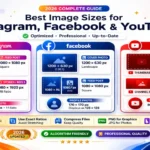
This guide covers the best image sizes for Instagram, Facebook & YouTube. Let’s dive into the exact pixels you need to design smarter.
Quick Summary
Short on time? Here is a rapid breakdown of the most important dimensions for 2026:
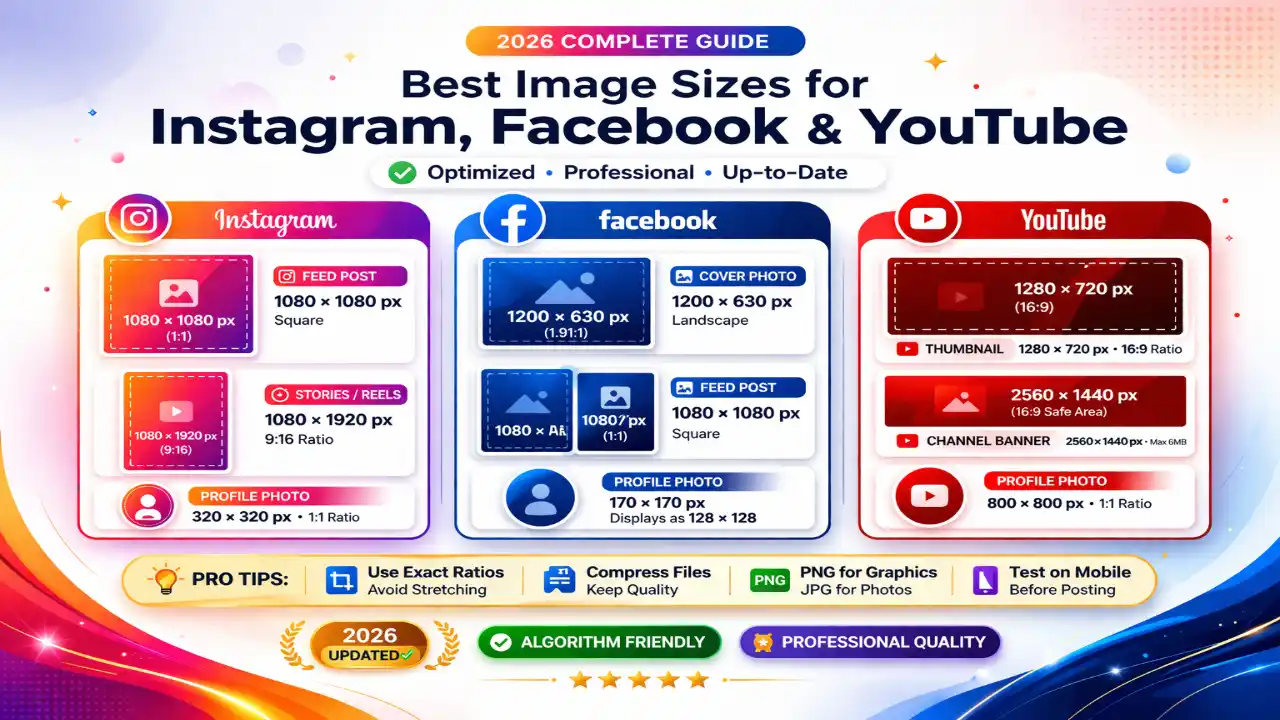
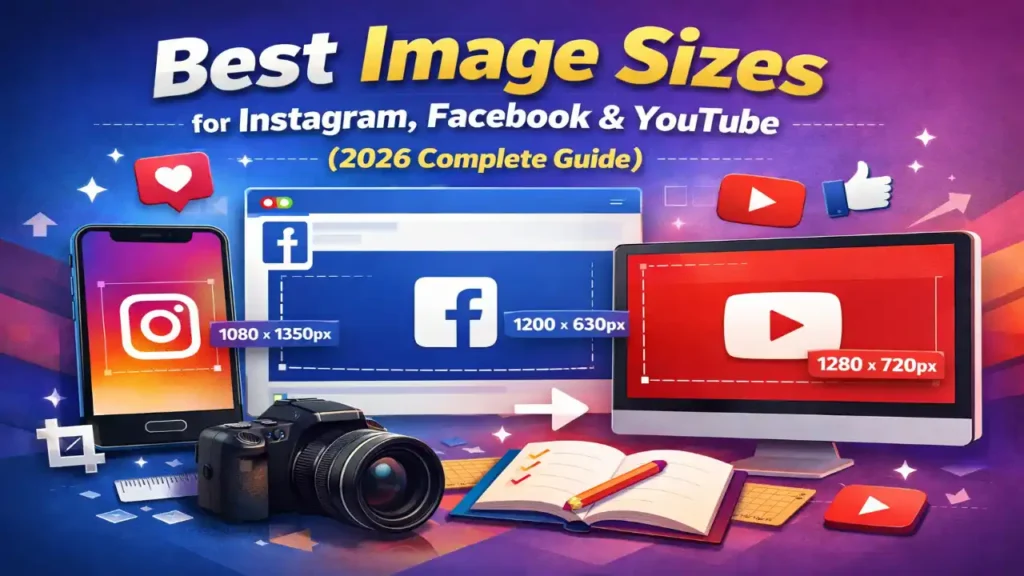
- Instagram Post (Portrait): 1080 x 1350 pixels (4:5 ratio).
- Instagram Stories & Reels: 1080 x 1920 pixels (9:16 ratio).
- Facebook Cover Photo: 851 x 315 pixels.
- Facebook Shared Link: 1200 x 630 pixels.
- YouTube Channel Banner: 2560 x 1440 pixels.
- YouTube Thumbnail: 1280 x 720 pixels.
Need to resize a photo quickly? Use our Image Resizer Tool to get the perfect dimensions instantly.
What Are the Best Image Sizes for Instagram?
Instagram is a visual-first platform. Recently, the app moved away from its classic square grid, favoring a taller 3:4 aspect ratio for profile previews.
Because of this, uploading the right size is more important than ever to avoid awkward auto-cropping. For a deeper dive, our Instagram Image Size Guide can help you.
Instagram Profile Picture
- Recommended Size: 320 x 320 pixels.
- Aspect Ratio: 1:1.
- Pro Tip: Your photo displays as a circle. Therefore, keep your logo or face dead center.
Instagram Feed Posts
- Square Post: 1080 x 1080 pixels (1:1).
- Portrait Post (Recommended): 1080 x 1350 pixels (4:5).
- Landscape Post: 1080 x 566 pixels (1.91:1).
- Real Use Case: According to recent social media studies, portrait posts (4:5) take up 78% more screen real estate on mobile phones than landscape images. This naturally increases user engagement and dwell time.
Instagram Stories and Reels
- Recommended Size: 1080 x 1920 pixels.
- Aspect Ratio: 9:16.
- Safe Zone: Leave roughly 250 pixels at the top and bottom clear of text so UI buttons don’t block your message.
What Are the Best Image Sizes for Facebook?
Facebook remains a powerhouse for digital marketing. However, how images display on desktop versus mobile can vary wildly.
To maintain a professional look, you must use dimensions that scale perfectly across all devices. The best image sizes for Instagram, Facebook & YouTube rely heavily on understanding these mobile-to-desktop shifts.
Facebook Profile Picture
- Recommended Size: 320 x 320 pixels.
- Display Size: 176 x 176 pixels on desktop, 196 x 196 pixels on mobile.
Facebook Cover Photos
- Business Page / Personal Cover: 851 x 315 pixels.
- Facebook Group Cover: 1640 x 856 pixels.
- Facebook Event Cover: 1920 x 1005 pixels.
- Note: Keep critical text in the center “safe zone” (640 x 312 pixels) because Facebook crops the sides on mobile devices.
Facebook Posts and Link Previews
- Shared Link Preview: 1200 x 630 pixels.
- Square Post: 1080 x 1080 pixels.
- Vertical Post: 1080 x 1350 pixels.
Check out this Hootsuite Social Media Guide for more industry standards on posting frequencies.
What Are the Best Image Sizes for YouTube?
When it comes to the best image sizes for YouTube, then it requires high-definition graphics. Since people watch YouTube on everything from a 5-inch smartphone to a 65-inch smart TV, your channel art must adapt seamlessly.
YouTube Channel Banner (Channel Art)
- Recommended Size: 2560 x 1440 pixels.
- Minimum Upload Size: 2048 x 1152 pixels.
- Safe Area: 1546 x 423 pixels (Keep all text and logos here so they aren’t cut off on mobile devices).
YouTube Video Thumbnail
- Recommended Size: 1280 x 720 pixels.
- Aspect Ratio: 16:9.
- Max File Size: 2MB.
- Real Use Case: A study by YouTube Creator Academy states that 90% of the best-performing videos on the platform use custom thumbnails rather than auto-generated ones.
YouTube Shorts
- Recommended Size: 1080 x 1920 pixels (9:16).
Comparison Table JPG vs PNG vs WEBP
Choosing the right format is just as important as the dimensions. Here is a quick breakdown to help you decide.
| Feature | JPG | PNG | WEBP |
| Best Used For | Real-life photographs, social feeds. | Logos, graphics with text, transparent backgrounds. | Website images, fast loading times, tool sites. |
| File Size | Small (compressed). | Large (lossless). | Very Small (highly optimized). |
| Transparency | No | Yes | Yes |
| Social Media Support | 100% accepted everywhere. | 100% accepted everywhere. | Requires conversion for some social apps. |
Mastering Aspect Ratios vs File Size
While knowing the exact dimensions for Instagram, Facebook, and YouTube is the first step to a professional feed, understanding how to scale those graphics without making them blurry is just as vital.
If you find your graphics stretching or losing sharpness when you adjust them for different networks, our comprehensive guide on How to Resize Images Without Losing Quality will walk you through the exact compression settings, aspect ratio locks, and export formats you need to keep your visuals pixel-perfect.
If you need to convert formats for social media, try our free WEBP to PNG Converter or JPG to PNG Tool.
Common Mistakes to Avoid
Even seasoned creators make errors. Here are the most frequent visual mistakes:
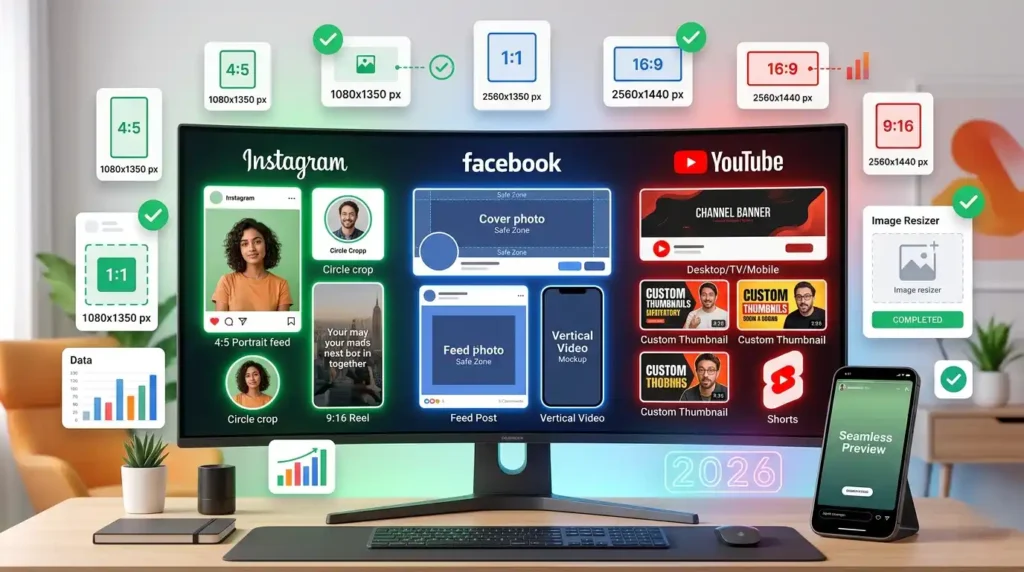
- Ignoring the Safe Zones: Placing text too close to the edges of a Story or YouTube Banner will result in it being cut off.
- Using Low-Resolution Files: Stretching a tiny 300px image into a 1080px slot causes heavy pixelation.
- Forgetting Mobile Users: Over 80% of social media scrolling happens on phones. Therefore, always design for mobile screens first.
- Mixing Aspect Ratios in Carousels: On Instagram, if your first carousel image is 4:5, but the second is 1:1, the app forces awkward crops.
Pro Tips for Social Media Images
Want to elevate your content above the competition? Follow these expert tips:
- Upload at 1080px Width: Social platforms compress large files automatically. Uploading exactly at 1080px width prevents their aggressive compression algorithms from ruining your photo quality.
- Boost Contrast: Mobile screens are often viewed outdoors in sunlight. High-contrast images perform significantly better.
- Use Tools to Save Time: Don’t guess dimensions. Bookmark this guide or use a dedicated Image Compressor before uploading to ensure fast load times.
Frequently Asked Questions (FAQ)
Conclusion
Mastering the best image sizes for Instagram, Facebook & YouTube is a non-negotiable skill for digital creators in 2026. By utilizing the exact dimensions outlined in this guide, you can bypass aggressive compression, prevent awkward auto-cropping, and ensure your brand looks incredibly professional.
Remember to prioritize vertical content (4:5 and 9:16) to dominate mobile screens.







Leave a Reply